GoPro, Insta360 or Drift Ghost? A live rear-view camera for cycling — and why you still want the radar
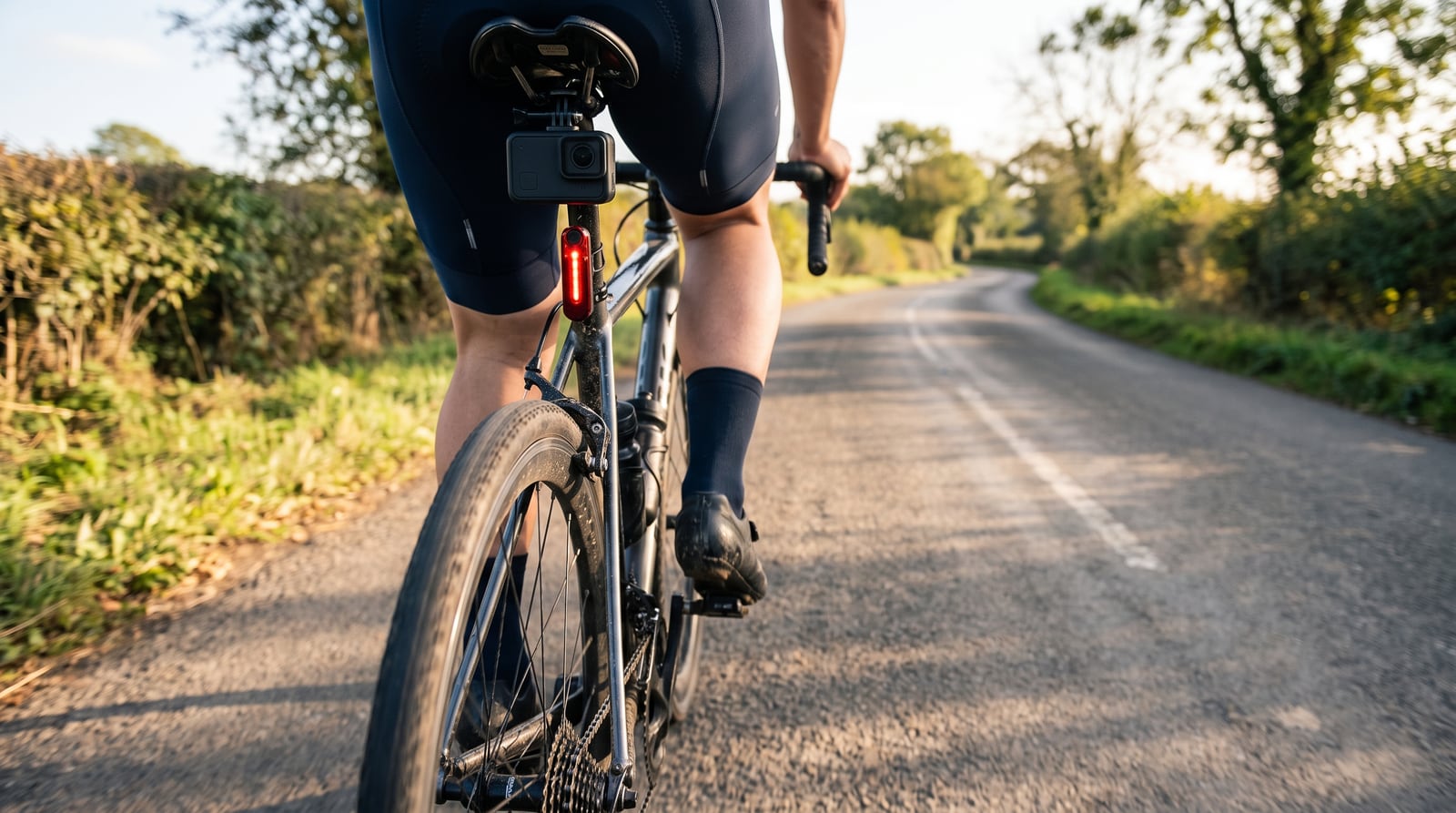
A rear-view camera on the bike used to mean watching the footage afterwards. With Domestique Hub it means a live picture of the road behind you on the phone on your bars, beside a radar that tells you something is coming before you look. Here is how the three cameras the app supports compare — GoPro, Insta360 and Drift Ghost — and where the Garmin Varia fits.
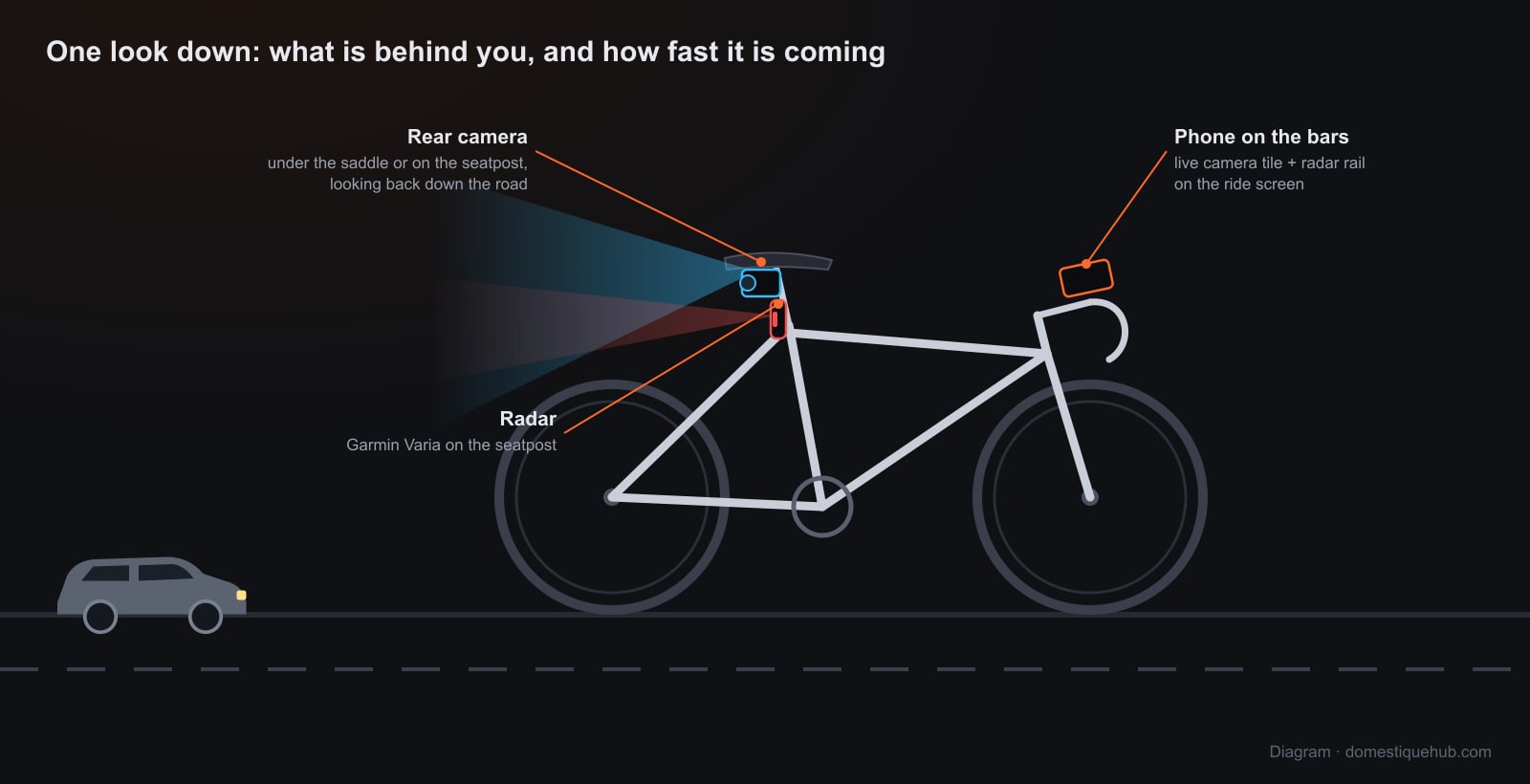
The three cameras side by side
| GoPro | Insta360 | Drift Ghost | |
|---|---|---|---|
| Tested on | HERO 13 Black | X3, X4, X5 | Ghost XL Pro |
| iPhone | Yes | Yes | Yes |
| Android | Not yet | Yes | Not yet |
| How it connects | Bluetooth wakes it, phone joins its Wi-Fi | Bluetooth wakes it, phone joins its Wi-Fi | Camera joins your phone's hotspot |
| Phone keeps internet | Yes, over mobile data | Yes, over mobile data | Yes, the hotspot is the phone's |
| REC from the bars | No — on the camera | Yes | Yes |
| PHOTO into the ride | Yes | Yes | Yes |
| Rotate / mirror | Yes | Yes | Yes |
| One-time setup | None | None | Station mode |
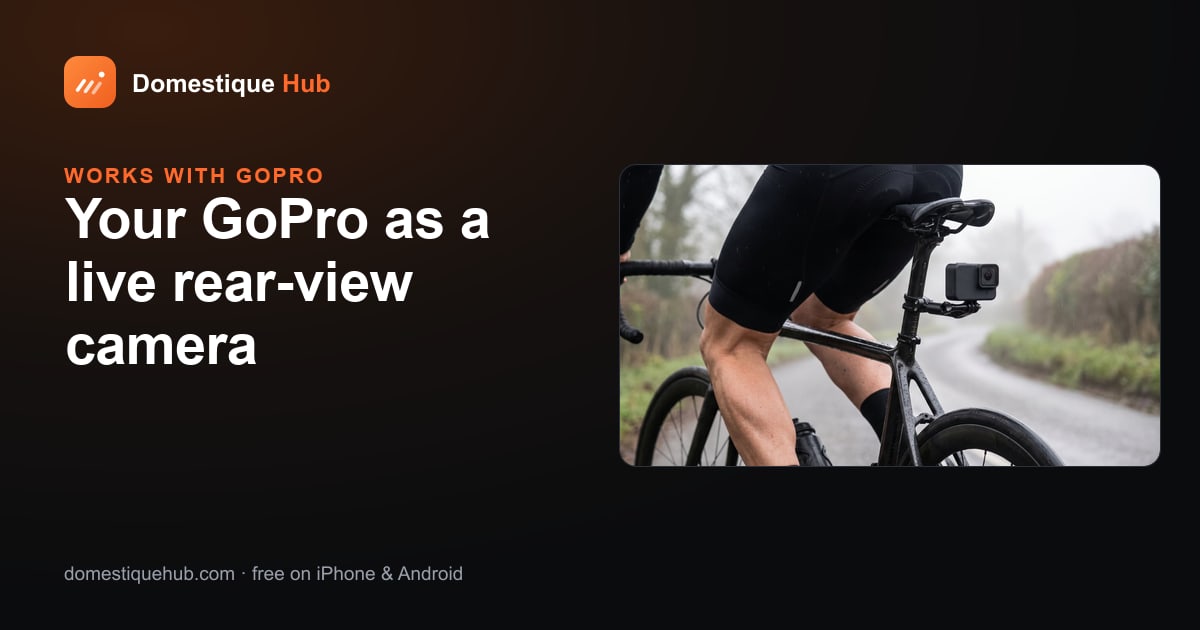
GoPro
The camera most riders already own. Bluetooth switches on its Wi-Fi, the phone joins it with one tap, and the app keeps the camera awake for the whole ride. iPhone only for now, and recording is started on the camera. Using a GoPro as a rear-view camera →
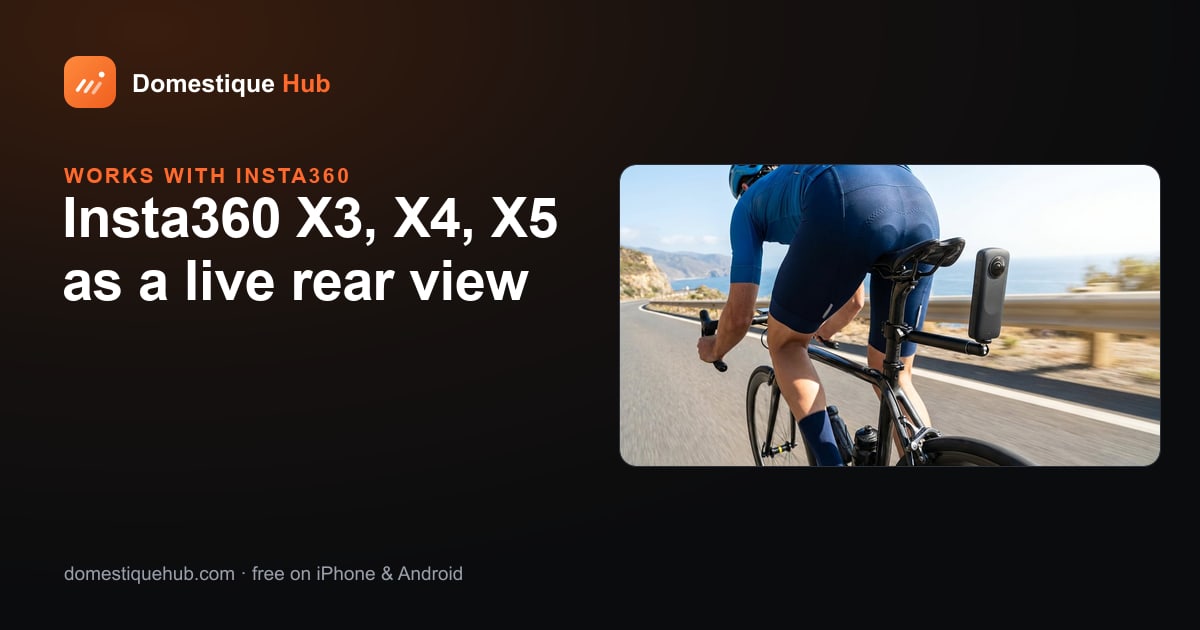
Insta360
The only one of the three on both iPhone and Android, with recording from the bars. The tile shows one of its two lenses as a flat picture — choose the one facing back. Using an Insta360 as a rear-view camera →
Drift Ghost
Joins your phone's hotspot instead of making its own network, after a one-time switch to station mode. REC from the bars, iPhone only for now. Drift Ghost live view on iPhone →
What every camera gets
- A Camera tile placed on any ride page like a data field, and a small copy in the corner of every other page so the rear view never disappears when you swipe to the map.
- Automatic reconnection. Wi-Fi on a moving bike drops; the tile tries again in seconds and keeps trying all ride, and reopens a picture that freezes. A frozen picture of an empty road is the worst thing a rear-view tile can show, so it is treated as a failure, not a picture.
- Privacy. The live view stays on your phone. Nothing is uploaded except a PHOTO you choose to take.
- No camera at all? The phone's own camera can feed the same tile.
Why you still want the radar
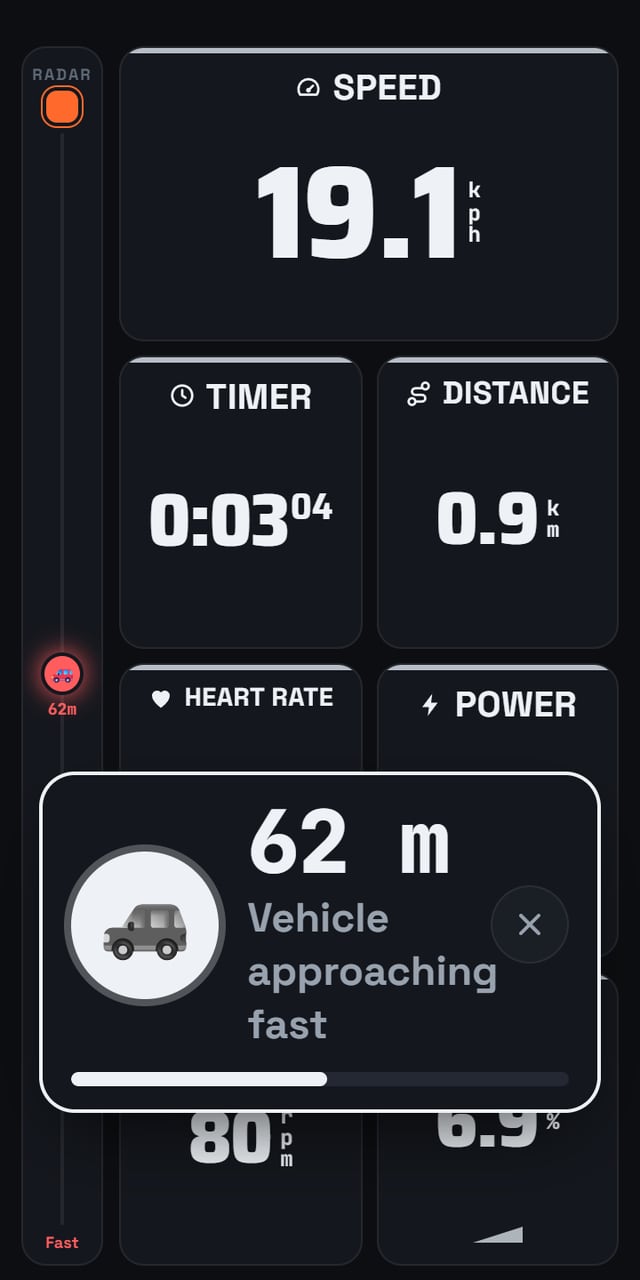
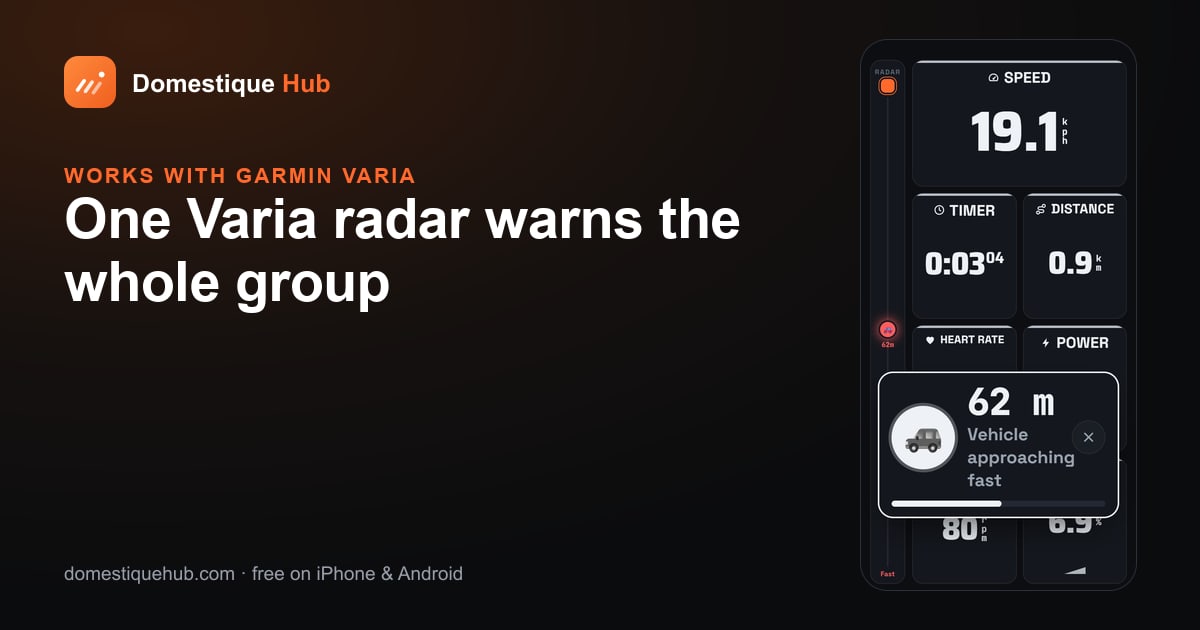
A camera answers a question you have to ask — you look down, and there it is. A radar asks it for you: the moment a vehicle is within range, the rail marks it, a banner comes up over the page and a chime sounds. The two together are the full picture: the radar says something is coming, 60 metres back, and one glance at the camera says it is a bus.
On a group ride the radar goes further. Every phone in the ride shares what its radar sees, so one Varia at the back warns everyone, including the riders on the front. Garmin Varia on your phone, shared with the group →
Whichever you choose, the phone showing it should be on a secure out-front mount with a safety tether — see how to mount a phone on a bike safely.
Which should you get?
- Already own a GoPro and ride with an iPhone? Start there — it costs nothing.
- On Android? The Insta360 X3, X4 or X5.
- Want the phone never to leave its own network? The Drift Ghost in station mode.
- Only buying one thing? The radar. It works on every phone the app runs on, it warns you without being looked at, and on a club ride it protects the whole group.
Questions riders ask
- Can I see my bike camera live on my phone while riding?
- Yes. Domestique Hub shows a live view from a GoPro, an Insta360 X-series camera or a Drift Ghost as a Camera tile on the ride screen, beside your speed, power, heart rate and radar.
- Which rear-view camera works on Android?
- The Insta360 X3, X4 and X5. GoPro and Drift Ghost live view are iPhone-only for now.
- Do I lose mobile data when my phone joins the camera's Wi-Fi?
- No. With a GoPro or an Insta360 the app keeps only the video on the camera's network and everything else on mobile data. A Drift Ghost in station mode joins your phone's own hotspot instead.
- Is the camera footage uploaded?
- No. The live view stays on your phone. Only a PHOTO you take on the tile is attached to your ride.