Insta360 X3, X4 or X5 as a live rear-view camera on your bike
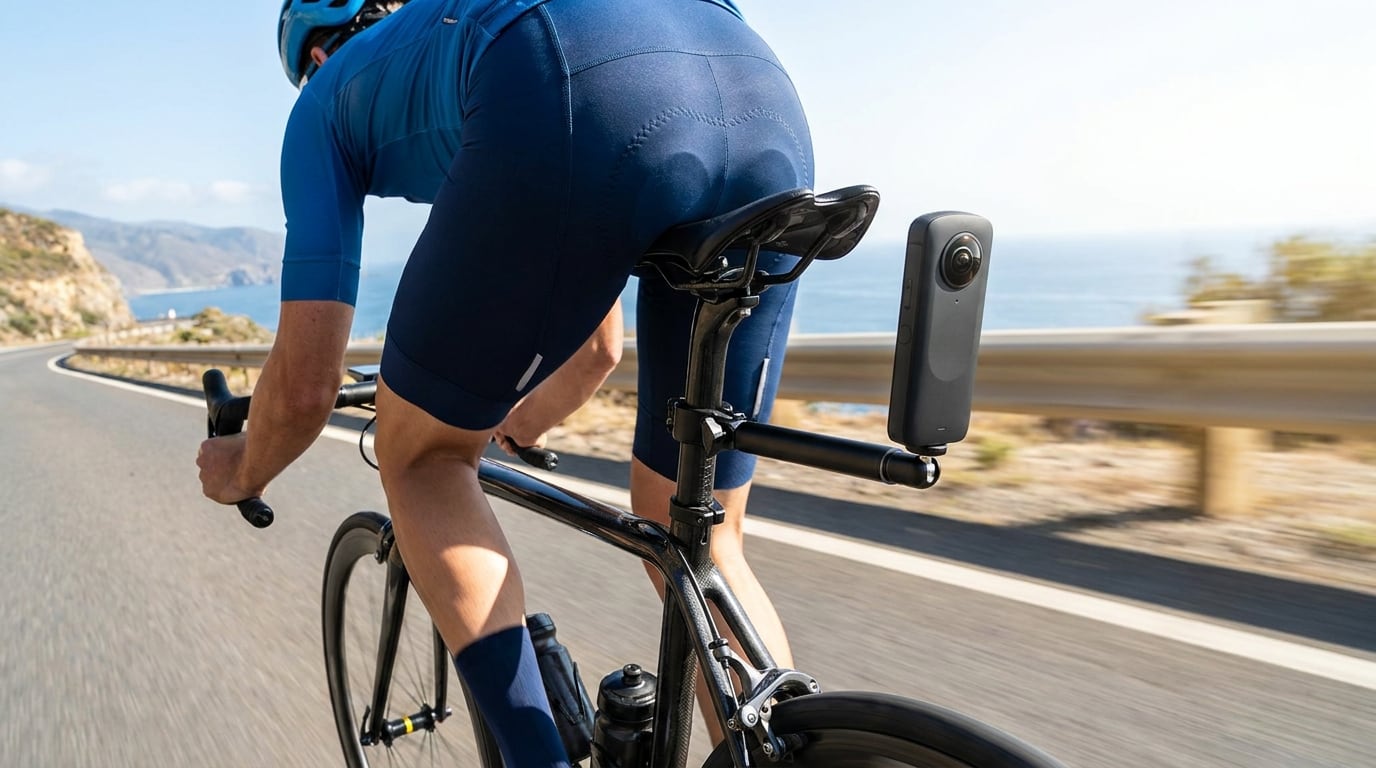
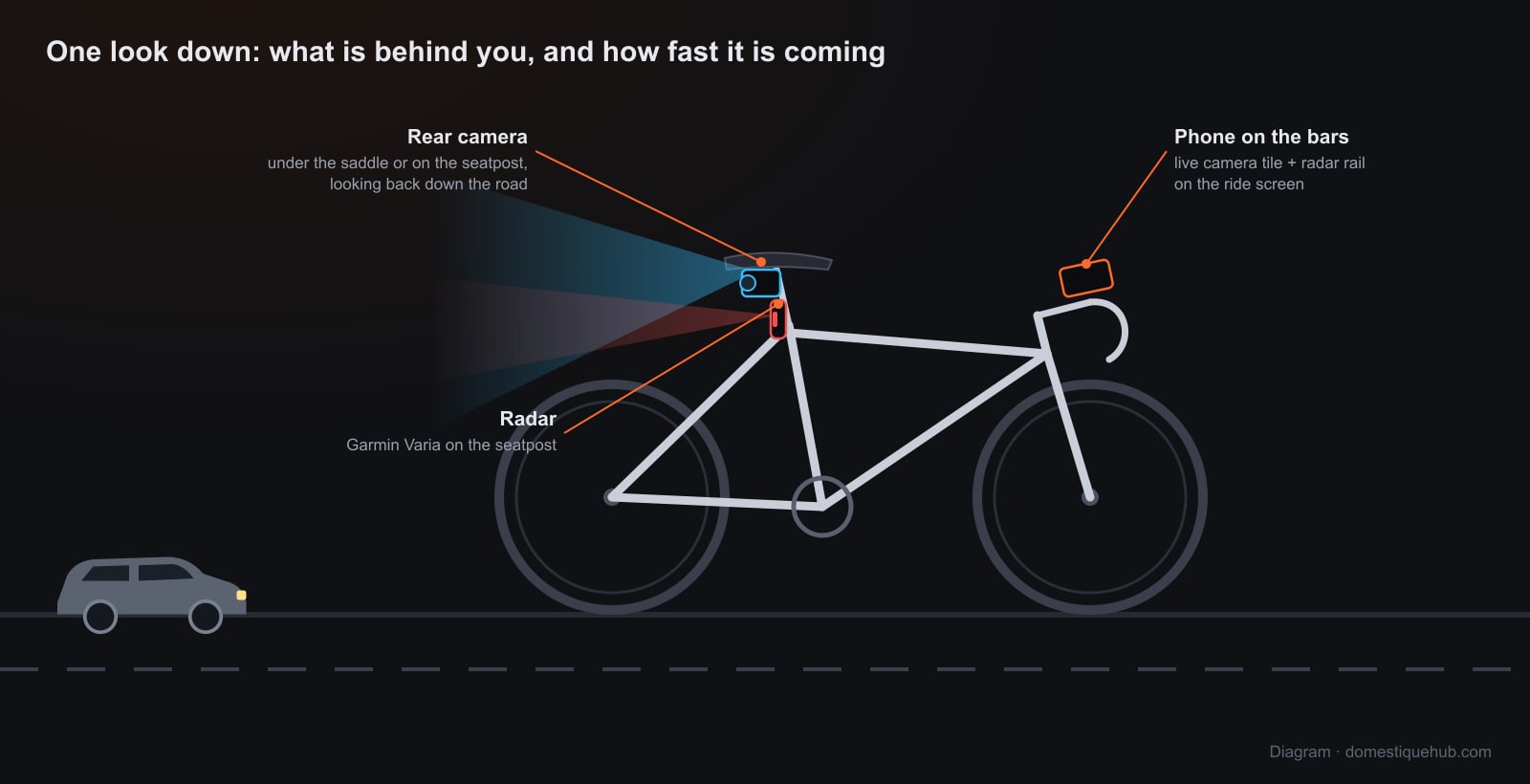
An Insta360 X-series camera on the seatpost films everything around you. Domestique Hub takes the lens that is looking back down the road and puts it on your ride screen, live — a rear-view mirror in the same grid as your speed, power and heart rate, on iPhone and Android.
What you get on the bars
- A Camera tile on your ride screen, sized and placed like any other field. Pages without it carry the same picture as a small tile in the corner, so the road behind you is there on the map page too, and a tap goes to the full view.
- The lens you choose. An X-series camera has two lenses back to back. The tile shows one of them as an ordinary picture, and a button switches which — pick the one facing backwards and the app remembers it.
- REC from the bars. Start and stop recording to the camera's own card without reaching behind you. The footage stays on the camera for you to edit afterwards, as usual.
- PHOTO. A frame off the live view, attached to the ride when it saves.
- ROTATE and MIRROR for a camera mounted upside down or pointing back along its own axis, remembered per camera.
- It reconnects by itself. When the Wi-Fi drops the tile tries again within seconds and keeps trying for the rest of the ride; a picture that freezes is reopened on its own.
How the picture gets from the camera to your phone
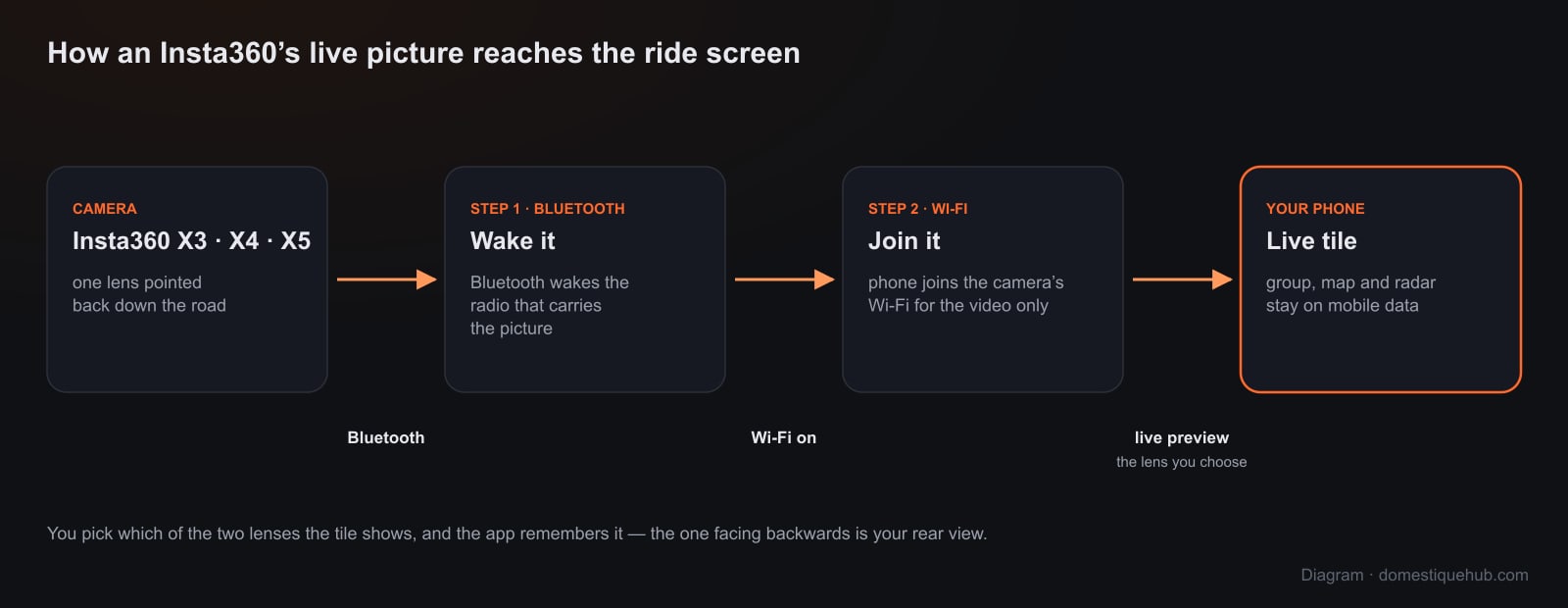
The camera's Wi-Fi is woken over Bluetooth, and your phone joins the camera's own network to receive the live preview. That network has no internet, so the app keeps only the camera stream on it — your group, the live map, the radar and the ride upload carry on over mobile data.
The preview comes off the camera as a raw video stream over a plain network socket. A web browser has no way to open one, which is why this is in the installed app and not on the website.
Nothing is uploaded. The live view is shown on your screen and no video leaves your phone. Only a PHOTO you take is attached to your ride.
Setting it up
- Switch the camera on and keep it near the phone.
- In the app, go to Settings → Connected apps → Camera and pick Insta360.
- Tap Find my camera, choose it, and let the phone join its Wi-Fi.
- Add the Camera view field to a ride page (a tile's ⚙ → Camera), choose the rear lens, and ride.
Which Insta360 cameras work
The X-series: X3, X4 and X5. The tile shows a single lens rather than a stitched 360° view — for a rear-view mirror that is what you want anyway, a flat picture of the road behind you rather than a sphere. If you are choosing a camera mainly for this, compare it with the GoPro and the Drift Ghost in our round-up.
Add a radar
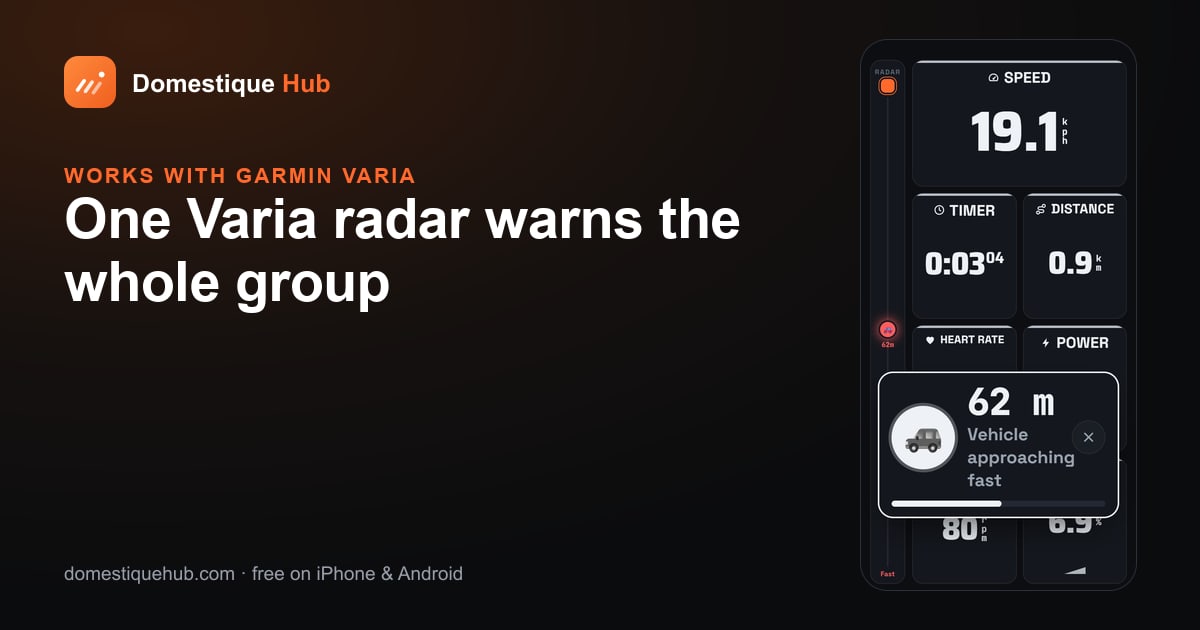
The camera shows you what is there when you look; a Garmin Varia radar tells you something is coming before you do. Both sit on the same screen, and on a group ride one radar anywhere in the pack warns everyone.
Questions riders ask
- Can I watch my Insta360 live while riding?
- Yes. Domestique Hub shows one lens of an Insta360 X3, X4 or X5 live as a Camera tile on the ride screen — pick the lens facing backwards for a rear view.
- Does it show the full 360° view?
- No. The tile shows a single lens as a flat picture, which is what a rear-view mirror needs.
- Can I start recording from the handlebars?
- Yes. REC on the tile starts and stops recording to the camera's own card.
- Does it work on Android?
- Yes. Insta360 live view works on both iPhone and Android in the installed app.