Use your GoPro as a live rear-view camera on the bike
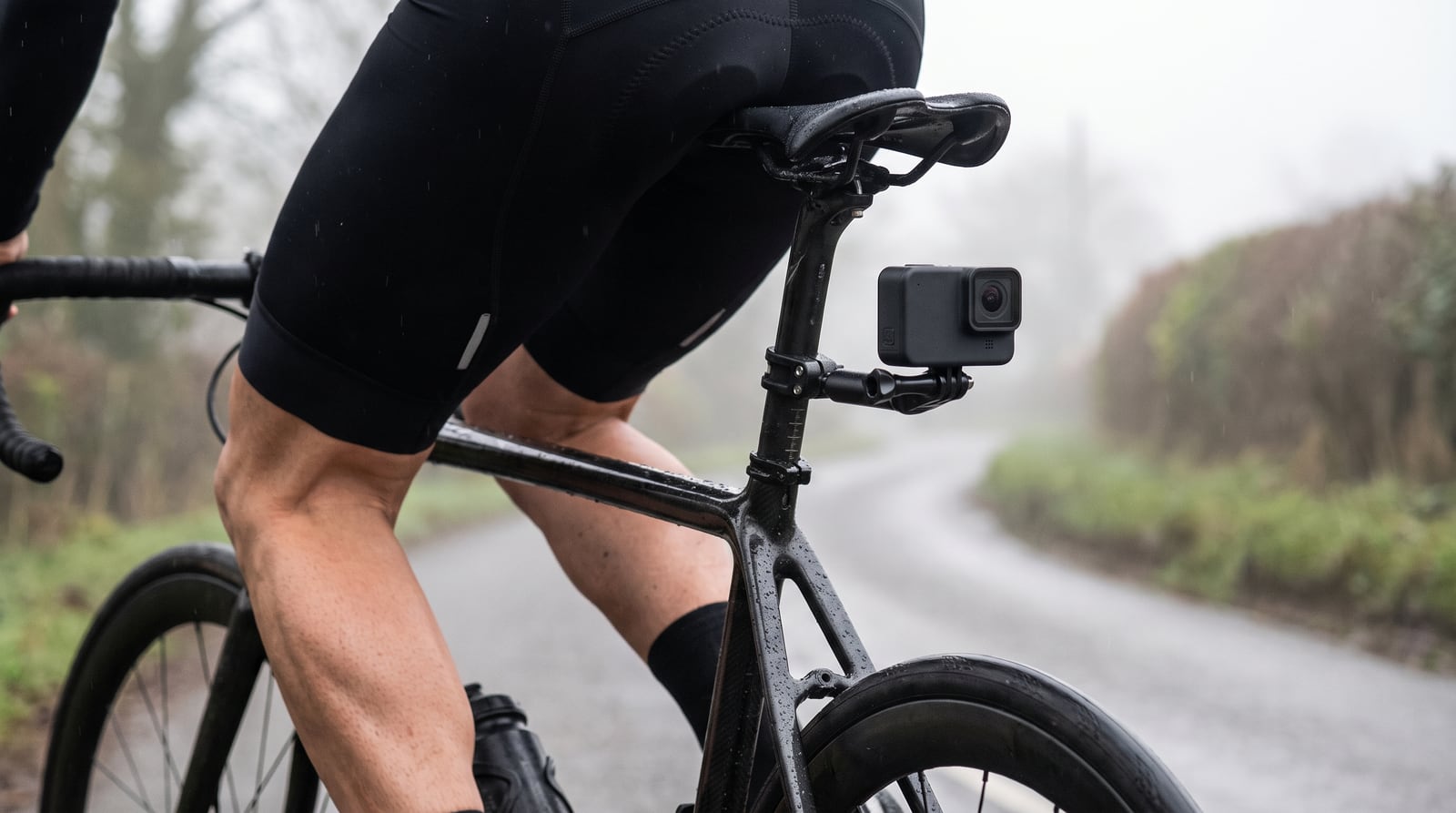
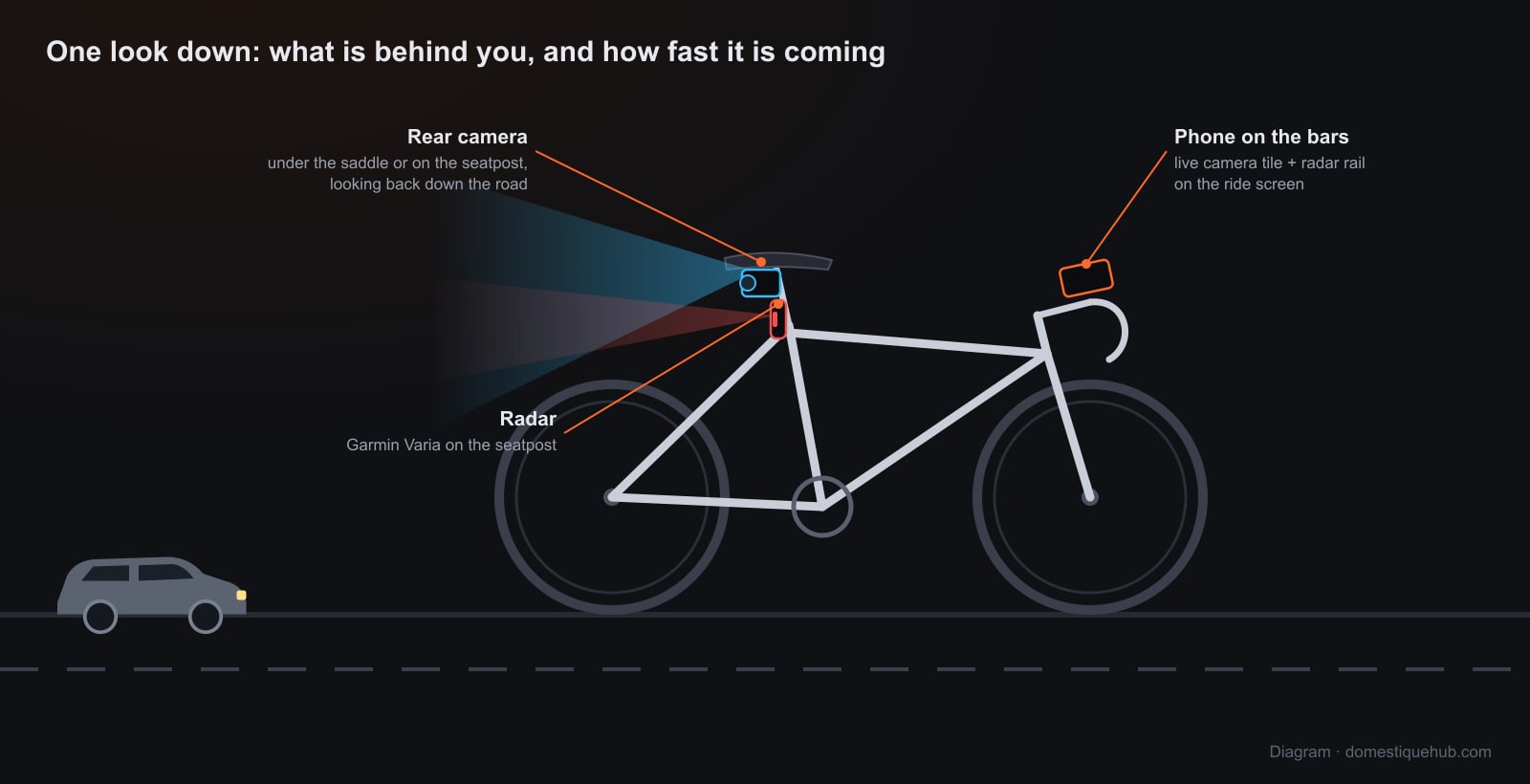
A GoPro under the saddle is already filming the road behind you. Domestique Hub puts that picture on your ride screen while you ride — a live rear view in the same grid as your speed, power and heart rate, on the handlebars instead of in a second app. Built and tested on a GoPro HERO 13 Black.
What you get on the bars
- A Camera tile on your ride screen. Add it to any page like any other data field, at whatever size you like. On every other page the same picture follows you as a small tile in the corner, and a tap on it goes to the full view.
- ROTATE and MIRROR. A camera clamped upside down, or pointed back down its own axis, is turned the right way round in a tap. The app remembers how each camera is mounted.
- PHOTO. Takes a frame off the live view and attaches it to the ride when the activity saves, like a photo taken with the phone.
- It reconnects by itself. A Wi-Fi camera on a moving bike drops out now and then. The tile tries again after 3, 6, 12 and 24 seconds and then every 30 seconds for as long as you ride, and a picture that freezes is reopened on its own. You never need to take a hand off the bars to tap Retry.
How the picture gets from the GoPro to your phone
A GoPro straight out of the bag has its Wi-Fi switched off, and the only thing that can switch it on is Bluetooth. So the app works in two steps:
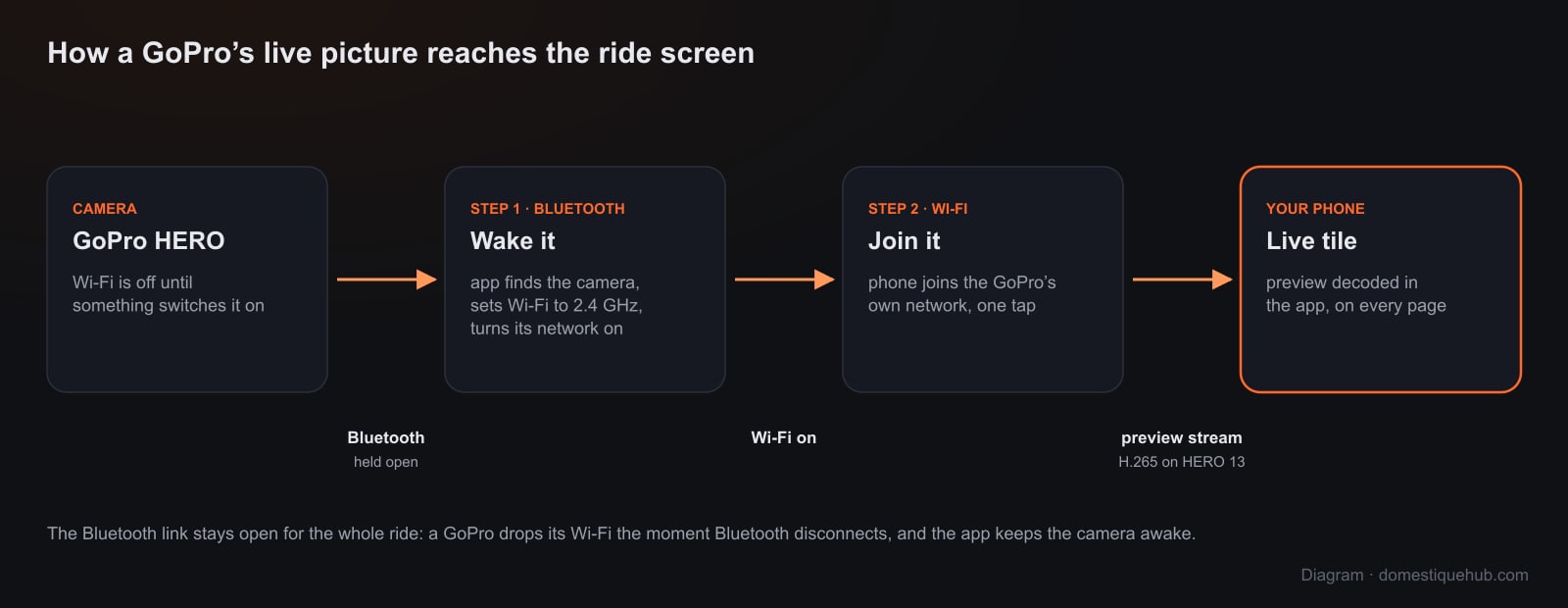
- Bluetooth. The app finds the camera, sets its Wi-Fi band to 2.4 GHz (an iPhone will not join a GoPro's 5 GHz network), switches the camera's network on and reads its name and password. That Bluetooth link stays open for the whole ride, because a GoPro takes its Wi-Fi down the moment Bluetooth disconnects.
- Wi-Fi. Your phone joins the GoPro's own network — one tap, with the name and password shown for you. The live preview comes over that link and is shown in the tile. Mobile data carries everything else: your group, the map, the radar and the ride upload.
The app also tells the camera it is still wanted every few seconds. Without that a GoPro powers its radio down after a short idle and the picture stops with no error at all — which on a bike reads as an empty road behind you, the one thing a rear-view tile must never show by mistake.
Nothing is recorded or uploaded. The live view is read off the camera and shown on your screen. No video leaves your phone, and the camera's own SD card is untouched unless you start recording on the camera.
Setting it up
- Switch the GoPro on and keep it near the phone — Bluetooth reaches a few metres.
- In the app, go to Settings → Connected apps → Camera and pick GoPro as the camera source.
- Tap Find over Bluetooth, choose your camera in the list, and join its Wi-Fi when the app asks.
- Add the Camera view field to a ride page (a tile's ⚙ → Camera) and start riding.
What to know before you buy a mount
- iPhone only, for now. The GoPro connection is part of the iPhone app; Android is not supported yet. Android riders who want a live rear view today can use an Insta360.
- Tested on the HERO 13 Black. It streams its preview as H.265, which the app handles. Earlier models that speak GoPro's open camera protocol (HERO 9 and later) use the same commands, but we have only tested the 13 — tell us how yours does.
- Recording is on the camera. Start and stop recording to the GoPro's card on the camera itself. Recording from the bars works on the Insta360 and the Drift Ghost.
- A phone browser cannot do this. Bluetooth to a camera and a raw video stream off its Wi-Fi are both out of reach of a web page, so this lives in the installed app.
Pair it with a radar
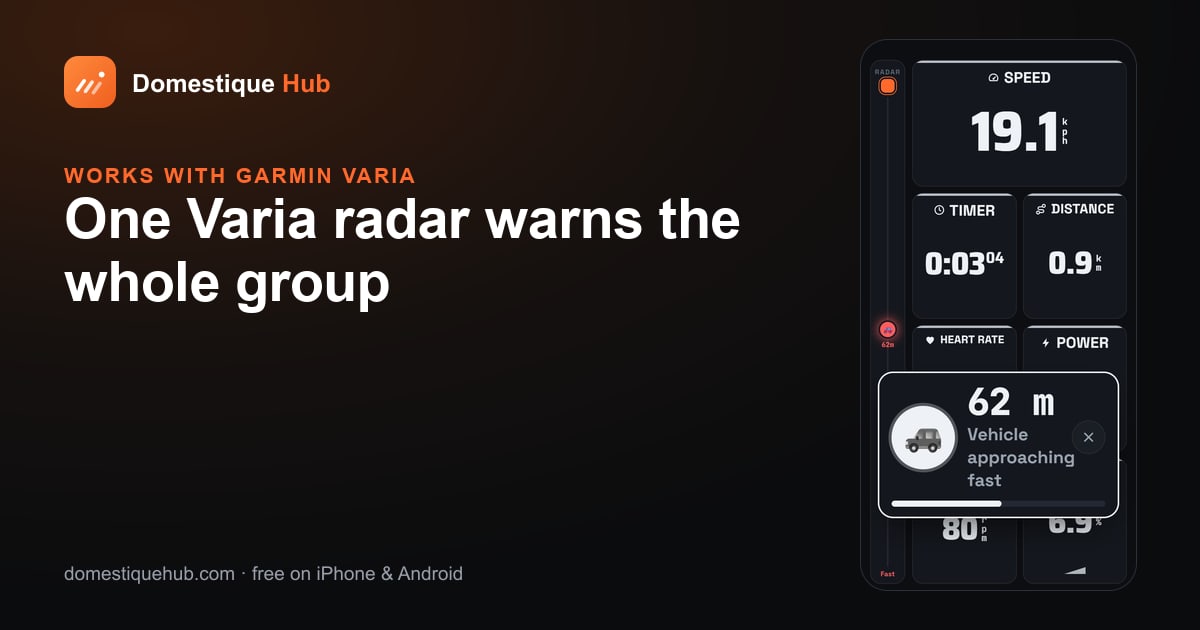
A camera shows you what is there; a radar tells you something is coming before you look. Put a Garmin Varia on the seatpost below the GoPro and the radar rail sits beside the camera tile on the same screen — and on a group ride one radar warns every rider in it. Choosing between cameras? See GoPro vs Insta360 vs Drift Ghost.
Questions riders ask
- Can I use a GoPro as a rear-view camera while cycling?
- Yes. Domestique Hub shows the GoPro's live preview on the phone on your handlebars as a Camera tile, beside your ride data and radar.
- Which GoPro models work?
- It is built and tested on the GoPro HERO 13 Black. Earlier models that use GoPro's open camera protocol (HERO 9 and later) share the same commands but have not been tested.
- Does it work on Android?
- Not yet. GoPro live view is in the iPhone app; on Android, use an Insta360 X3, X4 or X5.
- Why does a GoPro's live view stop after a while?
- A GoPro powers its Wi-Fi down when idle and drops it when Bluetooth disconnects. Domestique Hub keeps the Bluetooth link open and tells the camera it is still wanted every few seconds, so the picture lasts the ride.