How to mount your phone on your bike safely: an out-front mount and a safety tether
If your phone is your bike computer, it is a few hundred euros of glass on a plastic clip over the road. Two cheap parts make it safe: an out-front mount that holds it where you can see it, and a short safety tether that catches it if the mount ever lets go.
1. An out-front mount
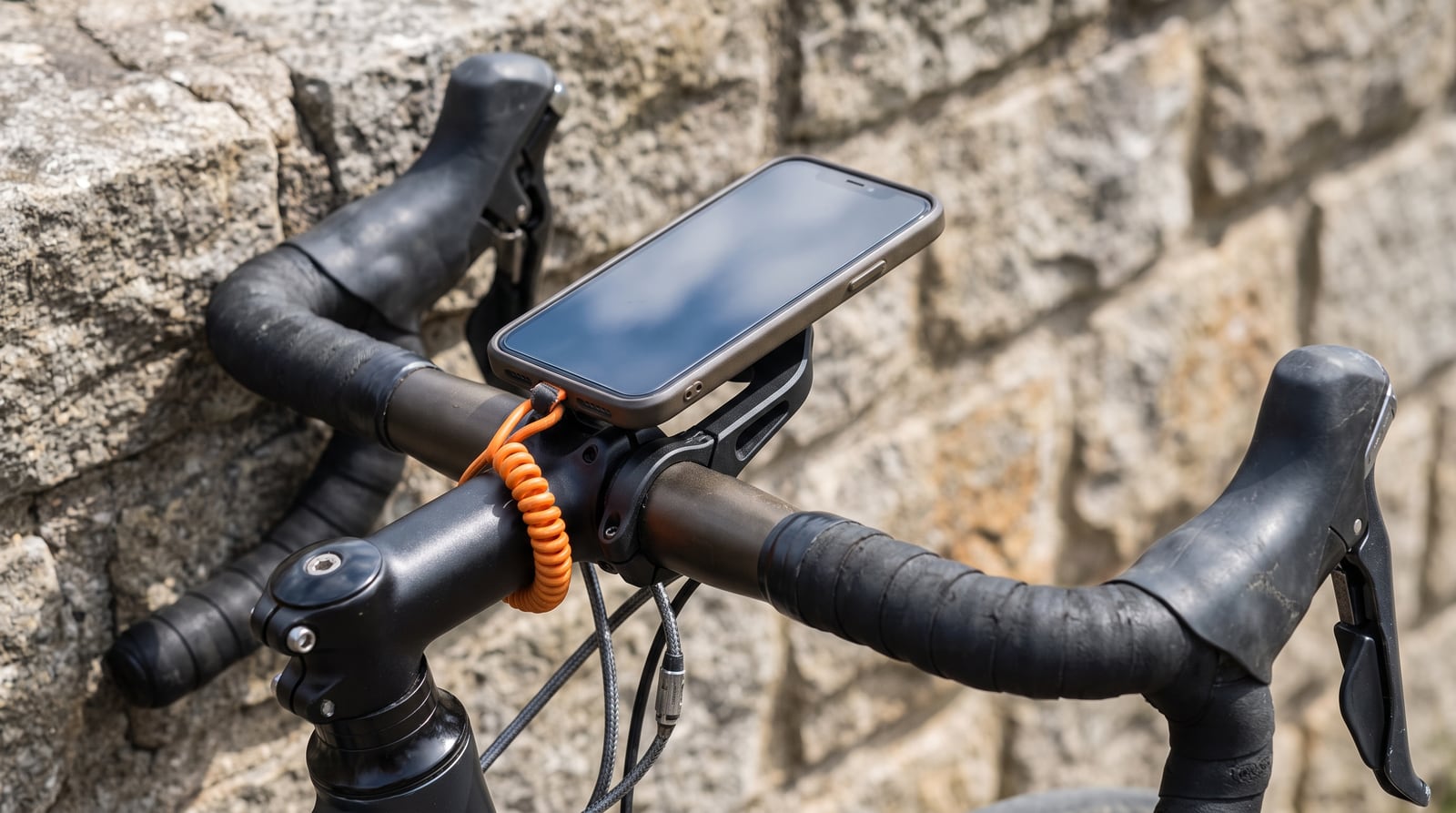
An out-front mount puts the phone ahead of the stem, in your line of sight over the road rather than down on the top tube, and keeps it clear of your knees and the brake cables. Many use the same quarter-turn interface as bike computers, so one bar mount takes a phone holder or a head unit.
Example: a quarter-turn phone holder for out-front mounts (AliExpress). Whatever you buy, check that it grips the phone on all four sides or locks onto a case, not just two spring arms.
2. A safety tether
Mounts fail at the worst moment: a pothole, a kerb, a cattle grid. A short elastic tether looped from the phone (or its case) around the handlebar or stem means a failed mount leaves the phone hanging from the bar instead of under the wheels of the rider behind you.
Example: short elastic anti-loss tethers (AliExpress), sold for bike computers and phones, usually in packs of three.
Keep the tether short. It should catch the phone, not let it swing. Fit it so that a phone hanging from it cannot reach the front wheel, the spokes or your knees — loop it round the bar or stem close to the mount, never round the fork.
Fitting checklist
- Use a case with a tether point — a lanyard hole or a slot for a card-style tether tab. A tether looped round the phone itself slips off.
- Twist-test the mount before every ride: it should not rotate on the bar, and the phone should not move in the holder.
- Route the tether, then shake the bike. Lift the front wheel and drop it a few centimetres; nothing should rattle loose or swing into the wheel.
- Check your cables — a charging cable to a top-tube battery needs slack for turning the bars, and must not snag the tether.
Once it is on the bars
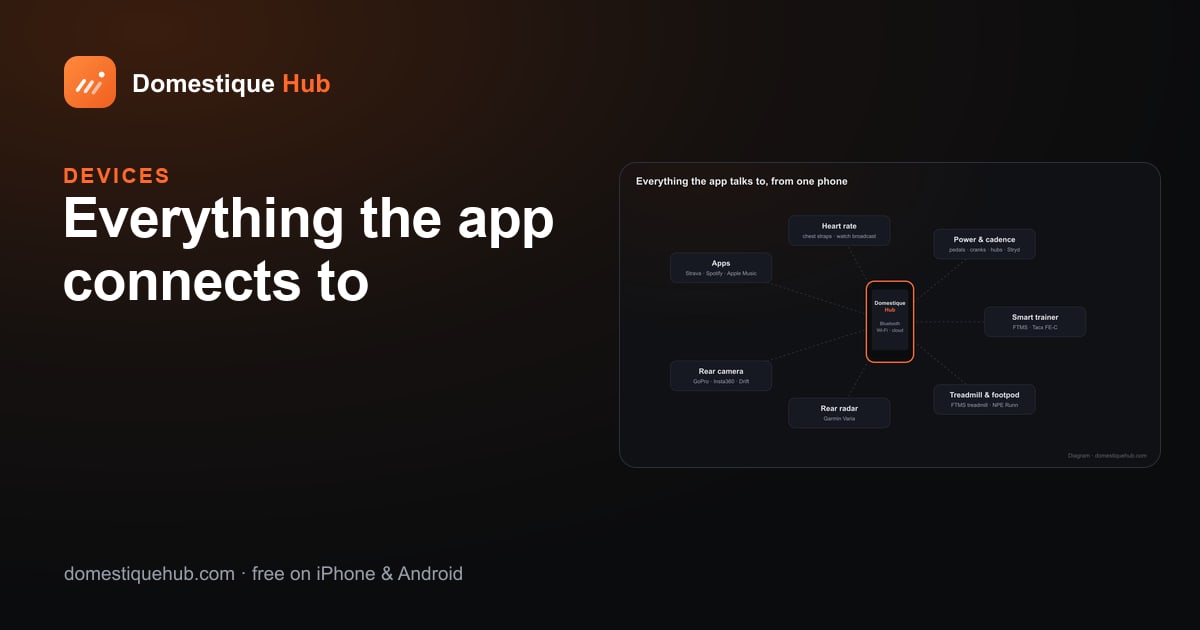
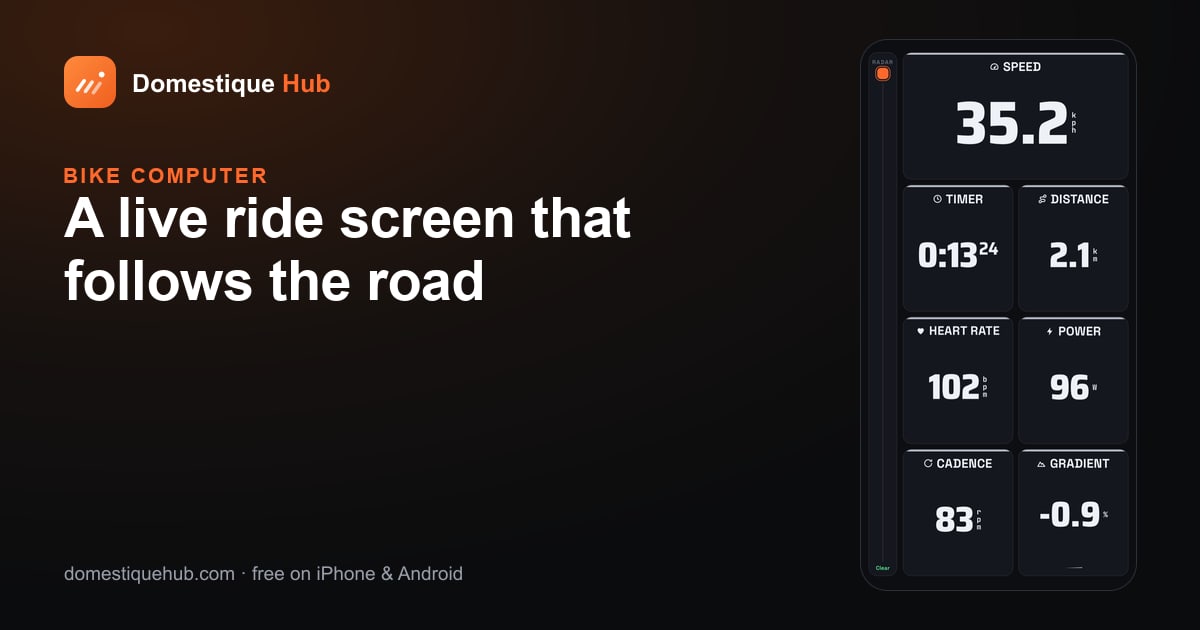
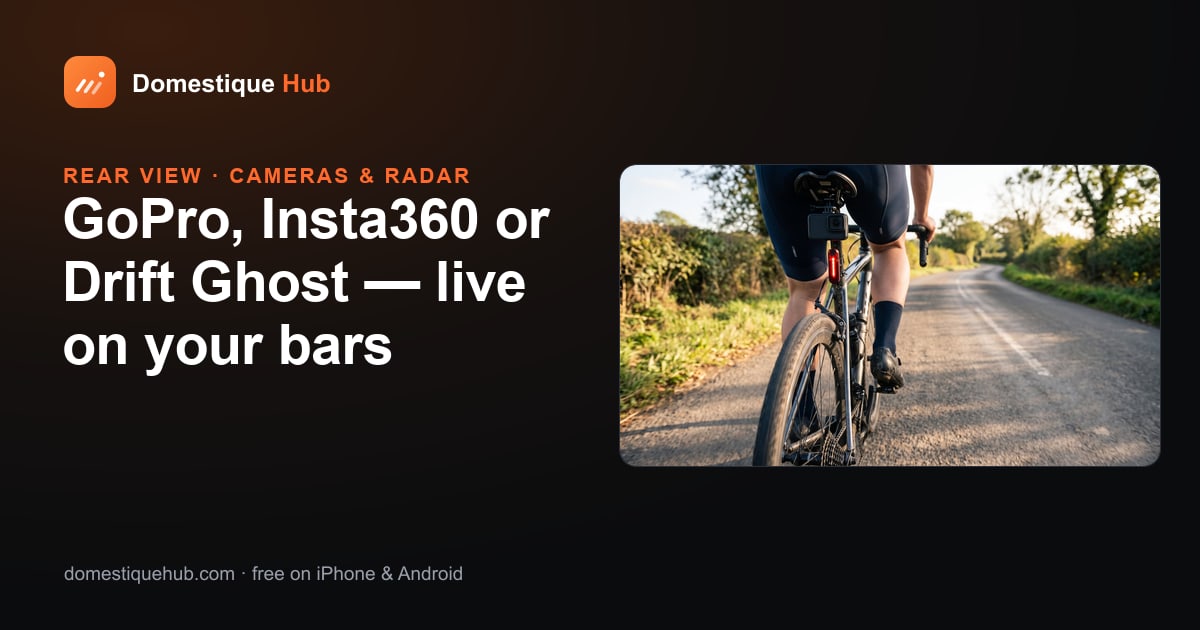
Domestique Hub is built to be read at arm's length on a mounted phone: the screen stays awake for the whole ride, the pages rotate on their own so you never need to touch it, and Battery saver in Settings dims it to stretch a long day. Turn the phone sideways for a wide landscape layout. Everything the ride needs — the live pages, radar warnings with a chime, and a rear camera — is there without a tap.
The products linked here are examples of the kind of part to look for. We are not affiliated with the sellers and earn nothing from the links.
Questions riders ask
- How do I stop my phone falling off my bike?
- Use a mount that grips the phone or its case securely, and add a short elastic safety tether looped from the case around the handlebar or stem, so a failed mount leaves the phone hanging from the bar.
- How long should a bike phone tether be?
- Short enough that a phone hanging from it cannot reach the front wheel, the spokes or your knees. Loop it close to the mount, never round the fork.
- Where should the phone go on a road bike?
- On an out-front mount ahead of the stem, in your line of sight over the road and clear of your knees and cables.