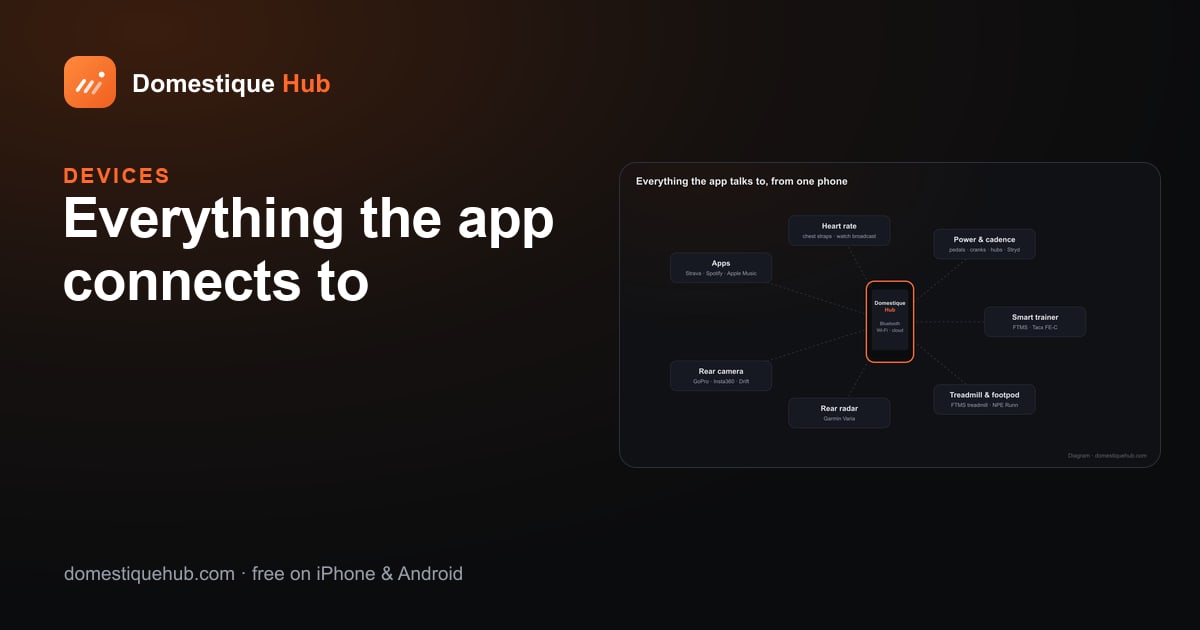
Strava, Spotify and Apple Music: the apps that connect to Domestique Hub
Besides the sensors on your bike, Domestique Hub connects to the apps around your training: Strava for your activities, Spotify and Apple Music for the music on your ride, and any .fit file from a Garmin, Wahoo or Zwift.

Strava
- Send every ride automatically. Switch on Send every new recording to Strava in Connected apps and each ride, run or trainer session goes up as soon as it is saved — the same .fit file, with power, heart rate and cadence.
- Or one at a time, from the activity page.
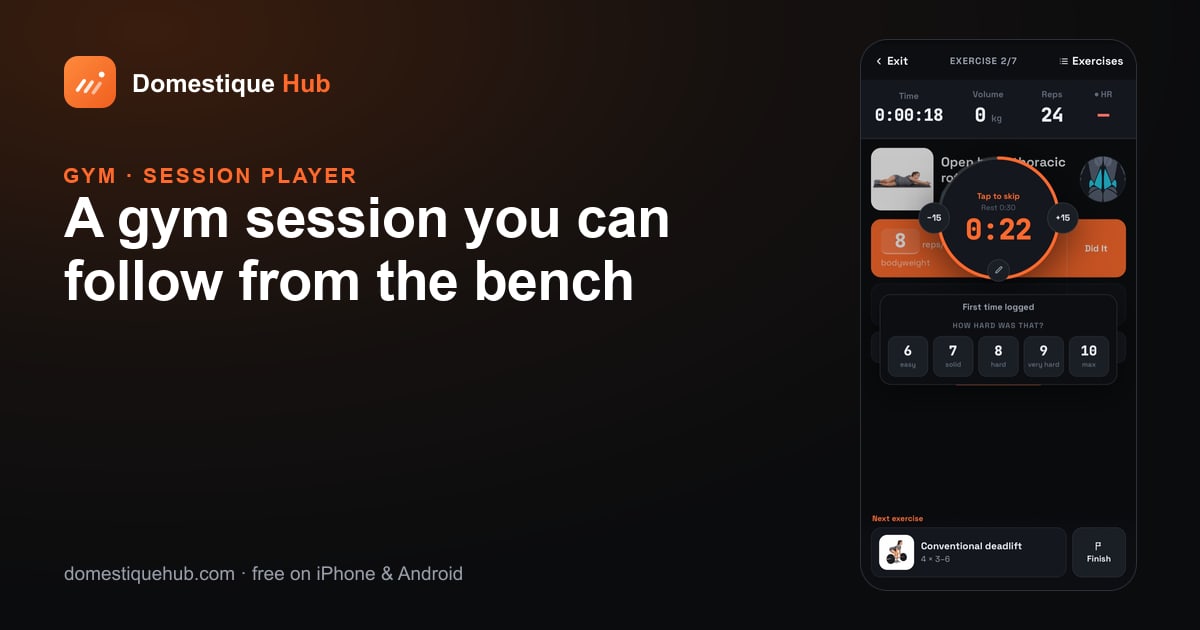
- Gym sessions arrive as Weight Training, with their duration, calories and heart rate — not as an empty "Workout".
- Bring your history in — import past Strava activities so your club and your charts start full.
Warm-up and stretch routines are deliberately never sent: a six-minute stretch is not a workout.
Your .fit files
Upload a .fit from any device and the app reads it — track, power, heart rate, laps — and names the device it came from (a Garmin Edge, a Wahoo, a watch). Rides from Zwift, Rouvy, MyWhoosh, TrainerRoad and other virtual platforms are recognised and tagged as virtual, so they do not count as outdoor rides.
Music on the ride screen
- Spotify — play, pause, skip and browse your library from the ride screen (Spotify Premium is needed for playback control).
- Apple Music on iPhone.
- On this phone on Android — control whatever is playing: YouTube Music, a podcast app or anything else.
Connecting
Everything here lives in Settings → Connected apps: connect Strava and switch on automatic sending, choose your music source, and set up a rear camera. For Bluetooth sensors, see every device the app connects to.
Questions riders ask
- Can rides go to Strava automatically?
- Yes. Switch on Send every new recording to Strava in Connected apps and each saved activity is uploaded with its power, heart rate and cadence.
- Do gym sessions go to Strava?
- Yes, as Weight Training, with duration, calories and heart rate.
- Can I control music while riding?
- Yes — Spotify (Premium for playback control), Apple Music on iPhone, and any media app on Android.