A gym session you can follow from the bench
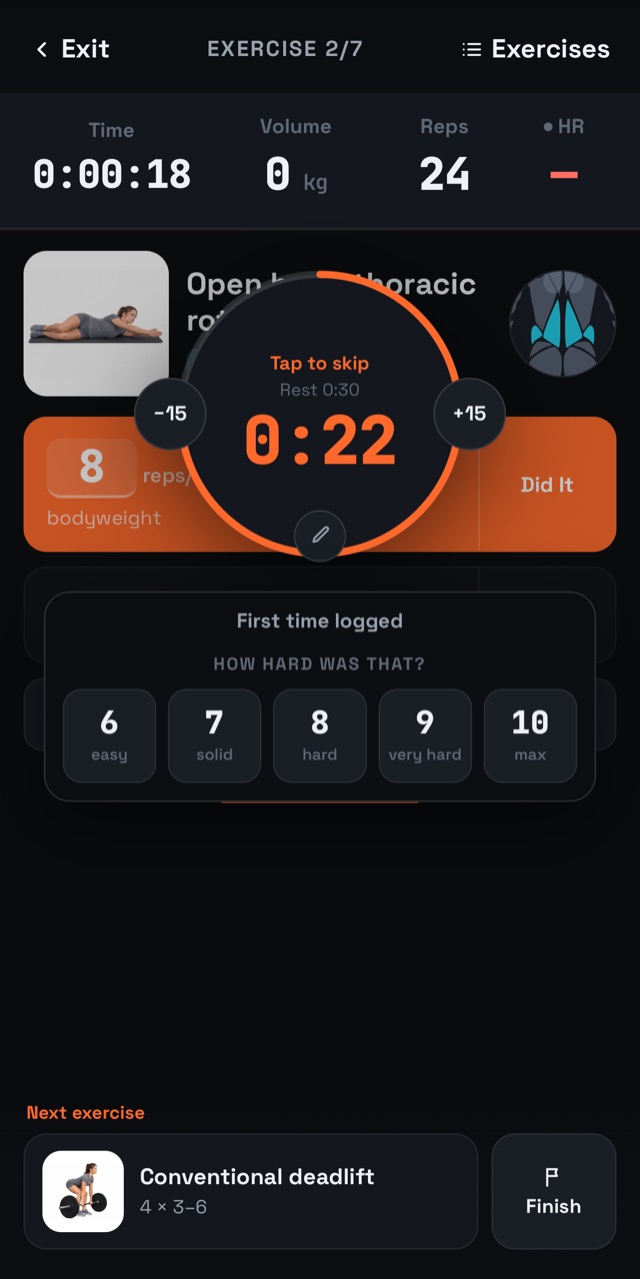
A gym session is followed standing up, between sets, with chalk on your hands and a phone on a bench a metre away. The session player is designed for exactly that: big numbers, few taps, and a clock that does the counting.
Readable from the rack
The reps and the weight are the largest things on the screen, and every number is a tap target. Tap one and a stepper sheet opens, so changing 60 kg to 62.5 kg is two taps, not a keyboard. Tick a set and the rest timer starts on its own; the next set is already on screen when it ends.
Supersets on one page
When two exercises are paired, both halves are drawn on the same page, joined the way the plan draws them, and the page follows whichever half is live. You never see four straight sets of the first exercise — the one thing pairing them is meant to prevent. Everything after the main lift is paired, so a session typically has three supersets rather than one token pair. You can swap a superset's halves if the rack you need is taken.
Holds that time themselves
A plank or a side bridge starts in its own row and counts itself down. It is heard passing — you get tones you can follow face down on a mat — and its clock is large enough to read from the floor. You can change a hold's length while it runs.
Follow-along warm-ups and stretches
Ten of the warm-up and stretch routines play as a single video: each exercise's demonstration looped for the seconds it asks for, its name, side and a countdown on screen, a "next up" card between exercises, and a go tone plus three end ticks so you can follow it without looking. Every exercise is a tap away. Reaching the end logs the routine exactly as if you had followed it in the player.
Pick up where you left off
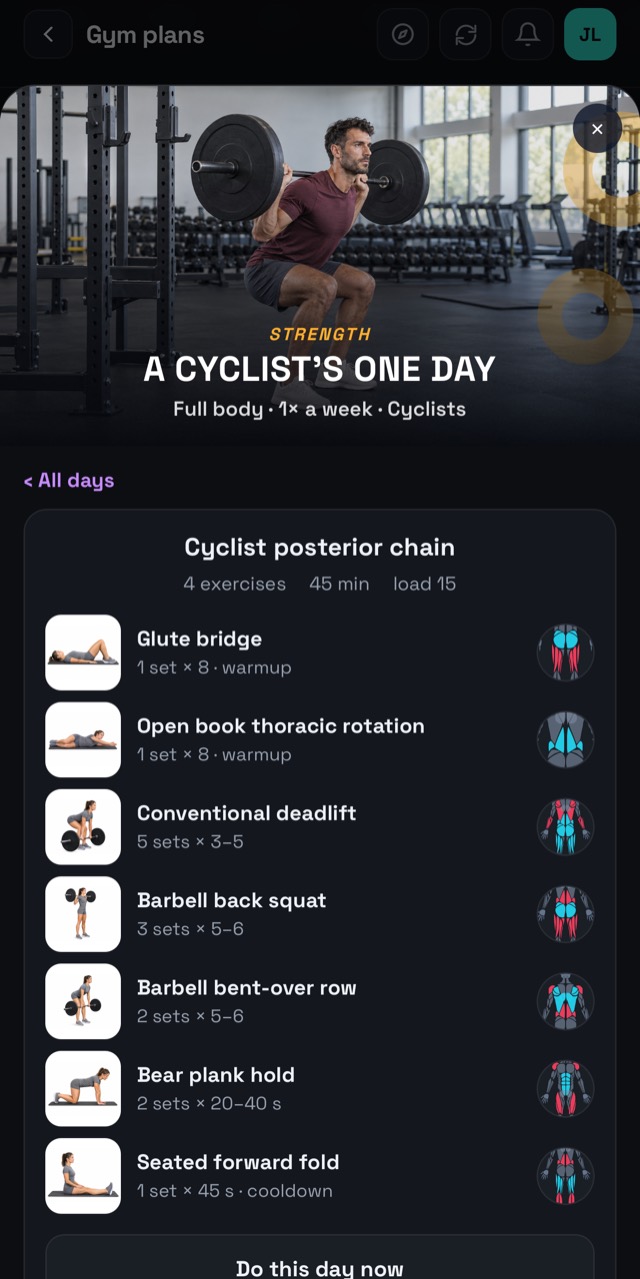
Pause a session and come back to it later, and it resumes where you stopped. If the app is closed in the middle of a session — a call, a flat battery — the next launch lands you back in that session rather than on the home screen.
A gym session is an activity
When you finish, the session is saved like a ride or a run. If you wore a heart-rate strap, its average and peak are on the activity, and calories are estimated from it; without a strap the estimate comes from your weight and the session's length. The session can go to Strava as Weight Training with your heart rate on it, it appears in the club feed, and it counts towards the gym trophies.
Each exercise also has a performance chart: the heaviest set of every session, or the best reps where there is no weight, with a dashed line at the goal — if you set one. The app never invents a target for you.