Copy any smart-trainer session and make it yours
The indoor library has structured sessions for every kind of day — openers, recovery, sweet spot, VO2 max and more, filtered by how long you have. Now any of them can be the starting point for your own.
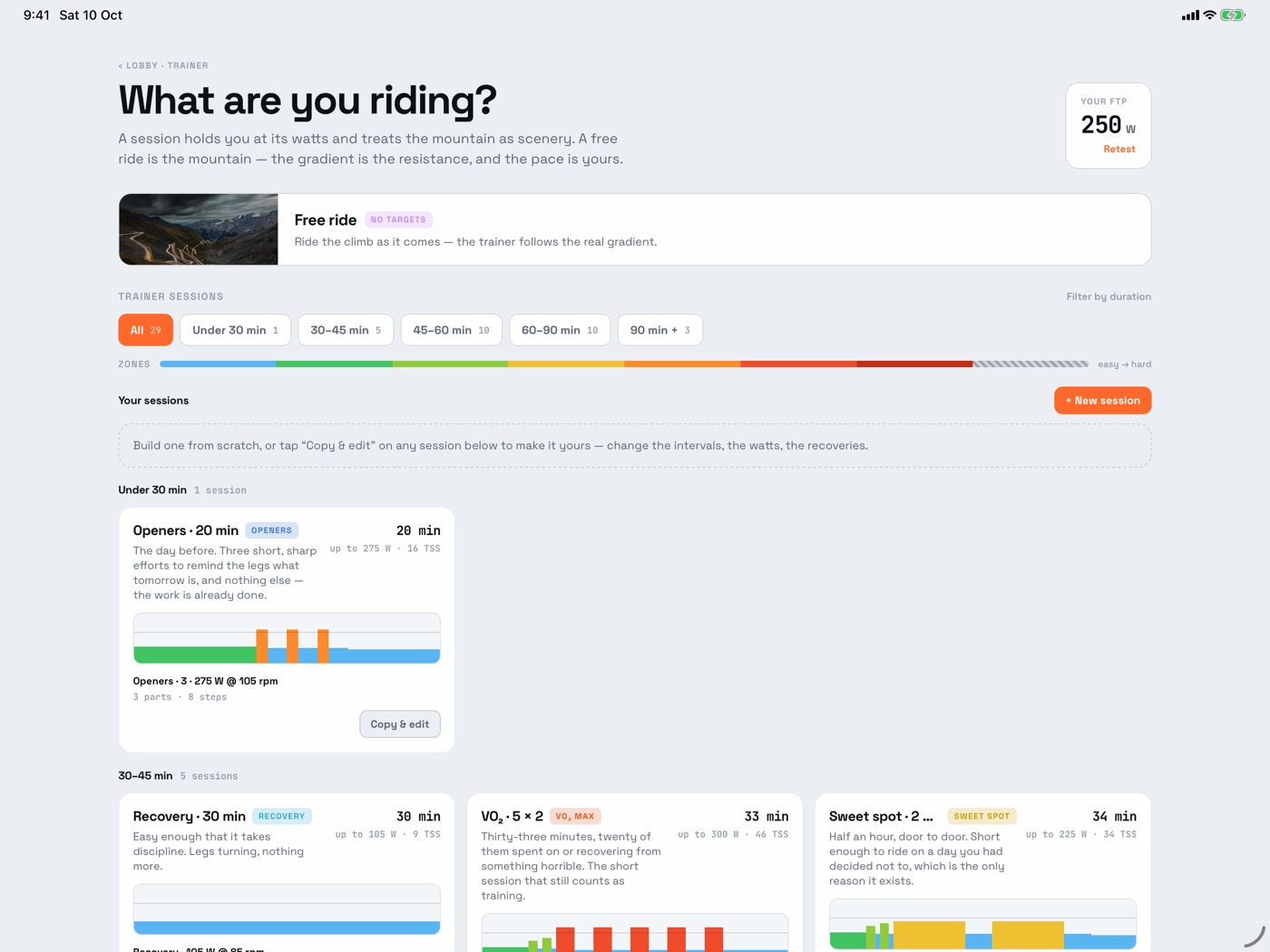
Copy & edit, or start from nothing
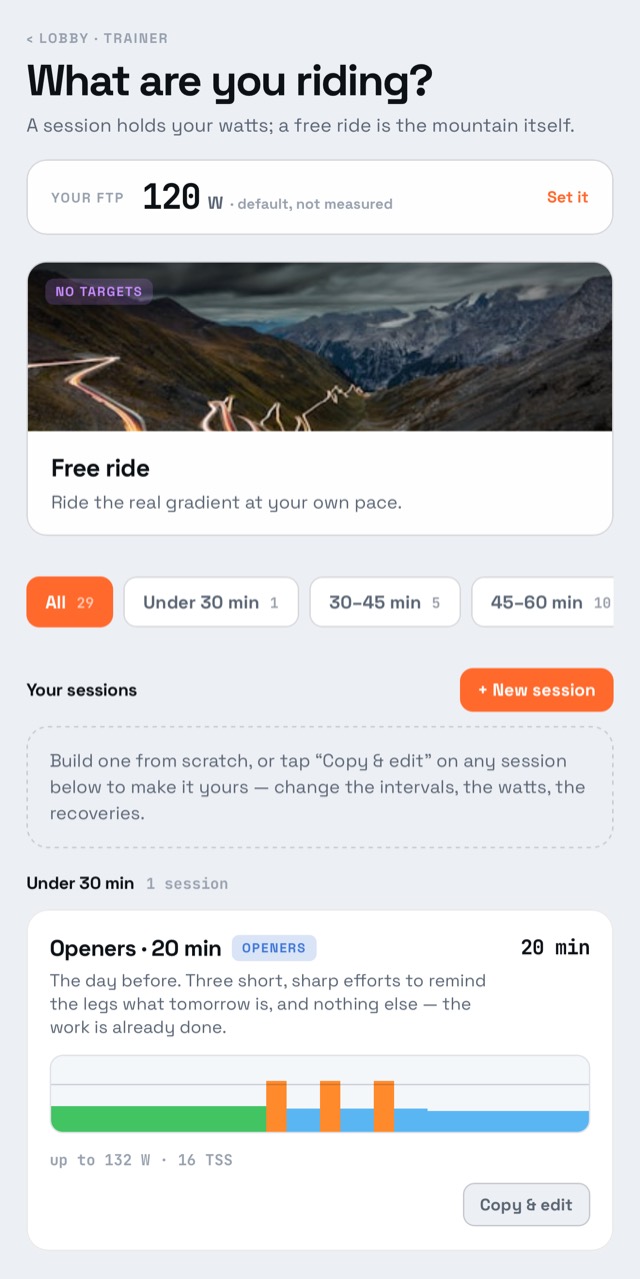
Every card in the trainer's session picker now has Copy & edit. Tap it and an editor opens on the same page with the session's parts and intervals ready to change. + New session opens the same editor empty, if you would rather write one from scratch.
The common edits are one tap
Most changes to an interval session are one of two things: do it more times, or make every rep a bit harder. So a part's repeat count has its own stepper, and editing one interval edits every interval like it — change the first of five 3-minute efforts and the other four follow.
Your sessions ride like ours
Saved sessions sit under Your sessions, above the library, and ride exactly like a catalogue session: targets set from your FTP, the trainer driven in erg mode, the power zones on screen. They are stored on your account, so they follow you to another phone or a tablet in the garage, and they are kept on the device so the garage does not need signal.
Or just ride the road
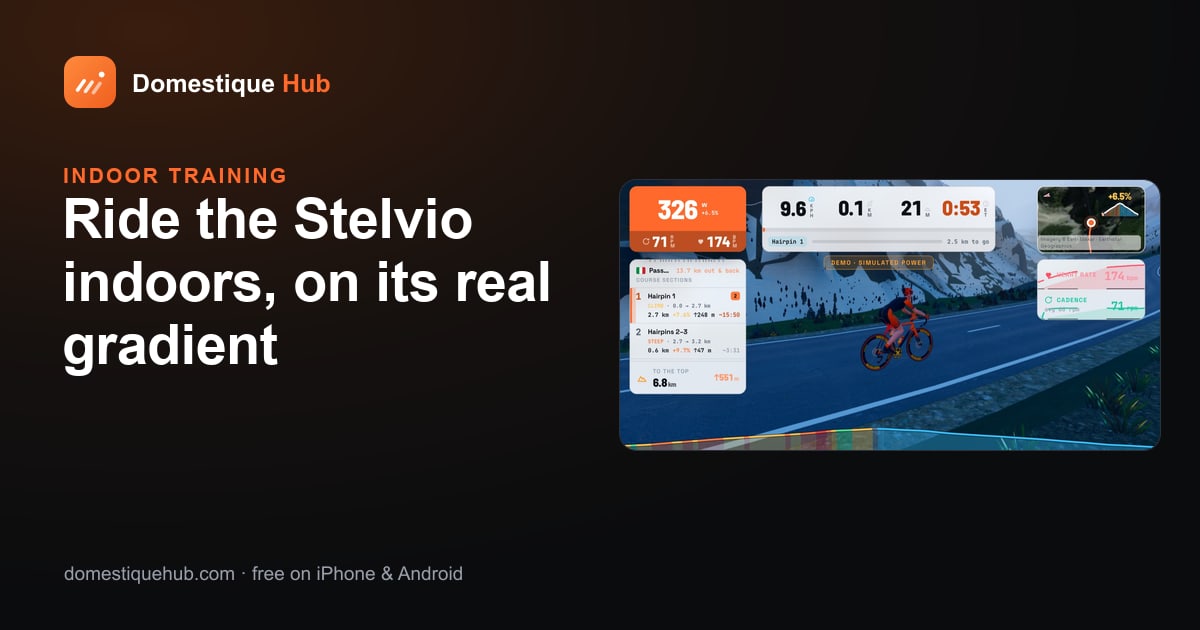
If you would rather not follow a plan at all, Free ride has no targets: the trainer follows the real gradient of the climb you choose. That is the subject of riding real climbs in 3D.
Which trainers work? Any smart trainer that speaks FTMS over Bluetooth, which nearly all of them do. Some older machines, including Tacx smart bikes, are driven over ANT+ FE-C instead. A power meter on a dumb turbo works too — you change gear yourself.